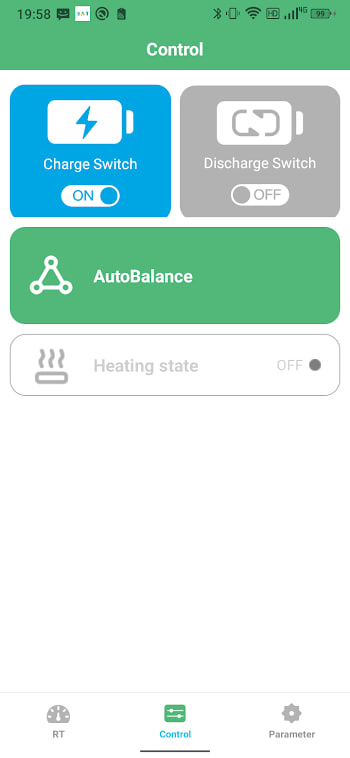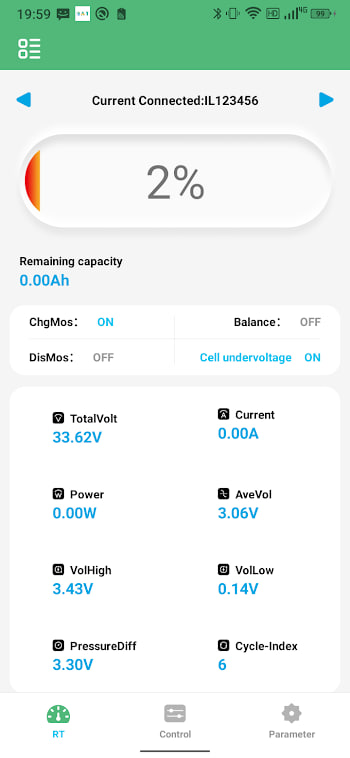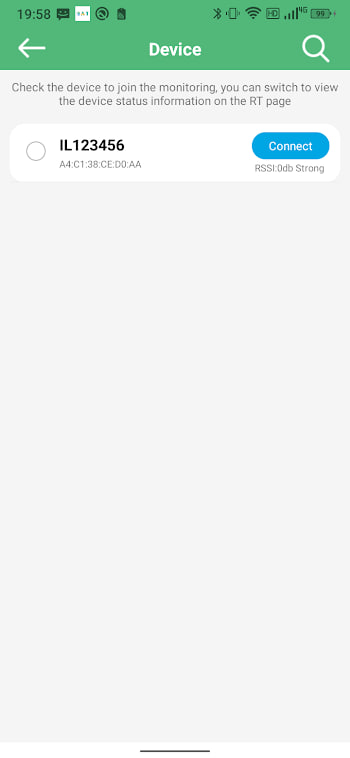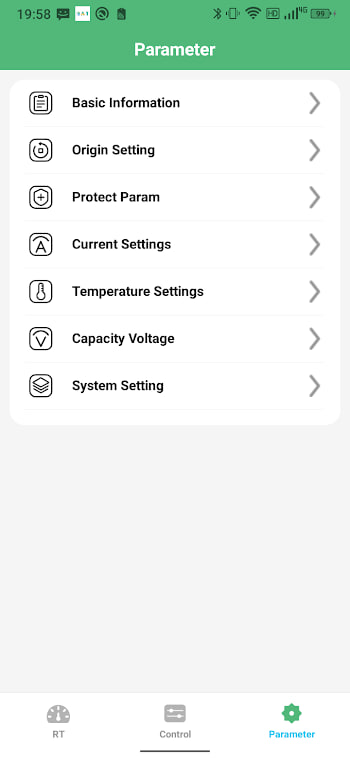
Start here
This is the one-page reference. It pulls together everything from install to advanced tuning so you can come back to it whenever a question pops up. If you are brand new, skim it once, then follow the linked guides for the parts that matter to you. If you already use the app, use the table of contents to jump to whatever you need today.
Install the app
BAT-BMS ships as an XAPK. Download it from the APK page, install a free XAPK installer from the Play Store, and open the file with it. Allow the one-time unknown apps prompt for the installer, then open BAT-BMS and grant Bluetooth and Location. The full walkthrough is in the install guide.
Connect to your battery
Switch the battery on, open the app, and scan. Tap your BMS in the list. The dashboard fills with live readings. If the scan is empty, the cause is almost always Location permission, a sleeping pack, or another phone holding the link — the connection checklist covers them in order.
Read the dashboard
Three numbers carry most of the value: total voltage, current, and the gap between the highest and lowest cell. Total voltage tells you the overall state, current tells you what the pack is doing, and the cell gap is your quickest health signal. Small gap means a content, balanced pack. See the beginner guide for the full breakdown.
Understand cells and balancing
The cell view shows one bar per series cell. Healthy cells sit within a few millivolts; a cell that drifts wide is the earliest sign of trouble. Balancing bleeds energy from the fullest cells near the top of charge so the rest catch up. Let the pack full-charge and balance for a few hours monthly. The cell voltage guide goes deep.
Watch the temperature
Heat steals capacity quietly. Keep cells between 0 and 45 degrees Celsius, set cut-offs with margin, and treat a sudden temperature spike as a connection problem. Never charge a freezing pack. The temperature guide has the safe ranges.
Judge battery health
Health is not one number. Watch cell spread first, then infer real capacity from a full discharge against the nameplate, and track which cell sags most under load. The health guide ties these signals together.
Handle error codes
Codes are protective flags, not bugs. OVP, UVP, OCC, OCD, OTP, UTP, SC, and NTC each mean something specific. Most clear when the condition passes. A code that returns means a structural problem to diagnose, not to silence. The error codes guide has the full table with first actions.
Tune settings carefully
Settings is where you set cell count, chemistry, capacity, and protection thresholds. Change one value at a time, note the original, and watch the effect before moving on. Wrong settings can make the BMS trip constantly or fail to protect — treat this screen with respect. The features guide explains each option.
Build good habits
Avoid deep extremes, keep the pack cool, let it balance monthly, size the load correctly, and store at a middle charge. These small habits, stacked over years, add real life to a pack. The tips guide is the short version.
Keep the app current
Install the latest XAPK over the top to update. Pairings and settings carry over, and there is no auto-update, so check back now and then. Keep a known-good copy for rollback. See the update guide.
Stay safe
BAT-BMS is a low-risk, read-mostly dashboard. The real safety burden sits with your BMS hardware and configuration choices. Confirm the package name on install, grant only the permissions the app needs, and change settings thoughtfully. The safety guide has the full picture.