What is BAT-BMS?
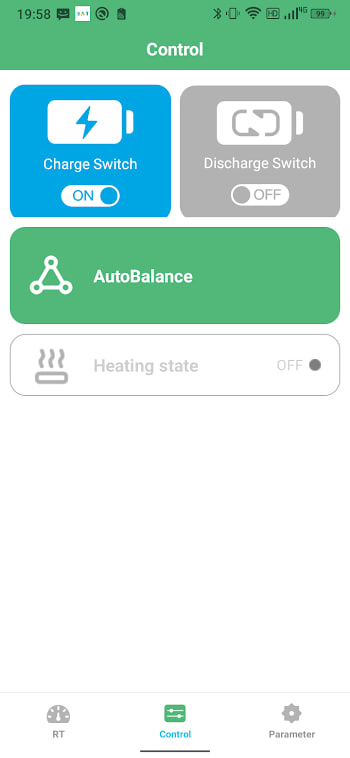
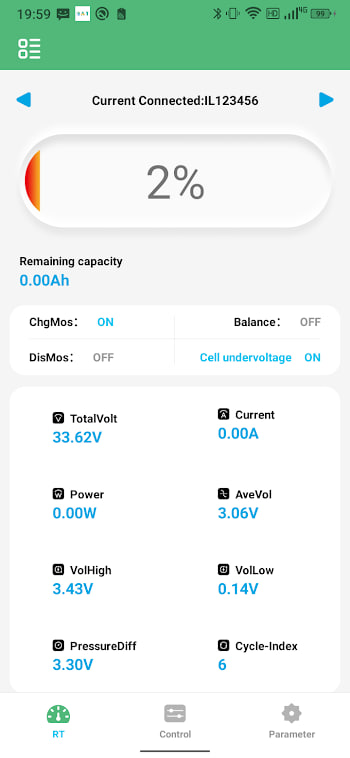
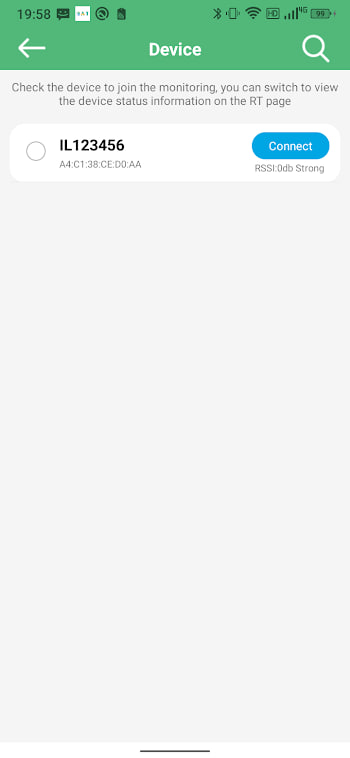
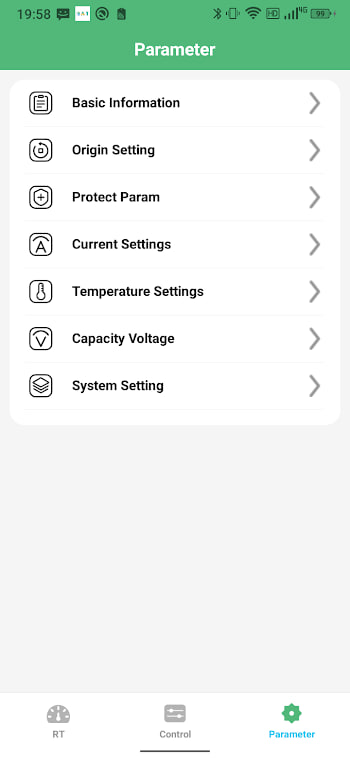
BAT-BMS is a small Android tool that turns your phone into a window for your lithium battery pack. Once it pairs with the battery management system over Bluetooth, you can watch every cell, check temperatures, and read protection alerts without touching a multimeter. For anyone running a solar setup, an e-bike, or a DIY power wall, that convenience is hard to give up once you have tasted it.
This page is the short version for people who only want the file. If you are new to the app, the beginner guide walks through the first launch in more detail.
What is in the latest version?
The current build is version 1.1.2, and it is a modest but meaningful update. Device discovery is faster, the protection labels read more clearly, and the app now targets Android 15 so it behaves on the newest phones. Nothing about your battery setup changes — you are just getting a smoother view of the same data.
| Version | 1.1.2 (build 12) |
|---|---|
| File size | 11.3 MB |
| Minimum Android | Android 5.1 (API 22) |
| Target Android | Android 15 (API 35) |
| File type | XAPK package |
| Updated | June 28, 2026 |
How the XAPK package works
You will notice the download is an XAPK, not a plain APK. Do not let that throw you. An XAPK is simply a container that holds the base app plus a few split files for different screen sizes and languages. The benefit is a smaller download. The catch is that Android will not open it on its own.
The fix takes thirty seconds. Install any free XAPK installer from the Play Store, point it at the file you downloaded here, and it handles the rest. Our install guide has screenshots if you want to follow along.
Is this the right version for you?
If your phone runs Android 5.1 or newer and has Bluetooth, yes. The app is light, so even older devices handle it without complaints. If you previously installed an older build, updating is as simple as installing over the top — your paired devices and settings stay put. See the update guide for the safe update path.
Before you download
Two quick checks save hassle later. First, make sure you have around 50 MB of free space, because the XAPK unpacks into something larger than its download size. Second, note that the package name is com.bms.grenergy. When the installer shows that name, you know you have the right file and not a lookalike.