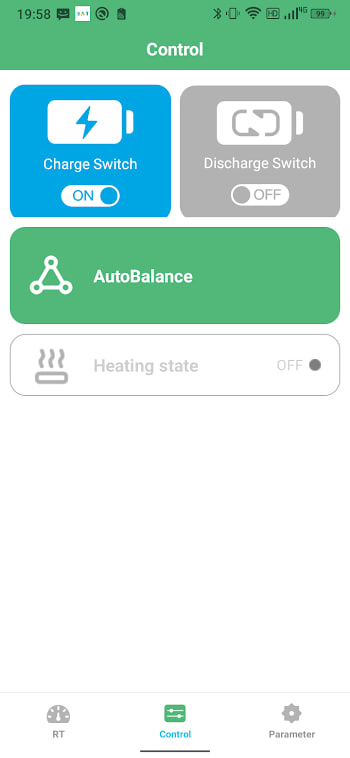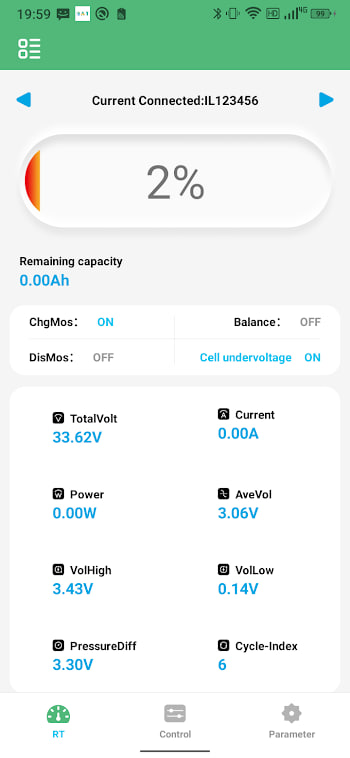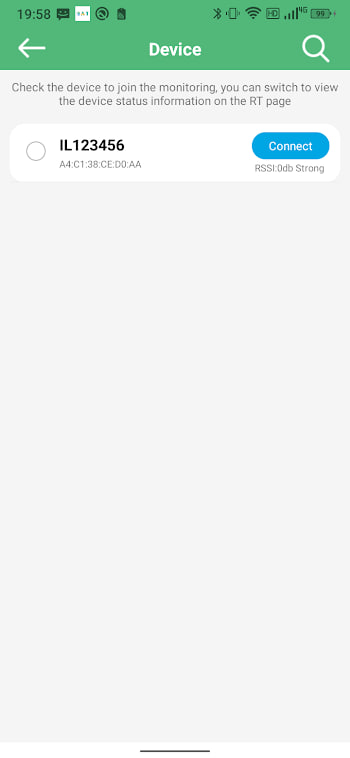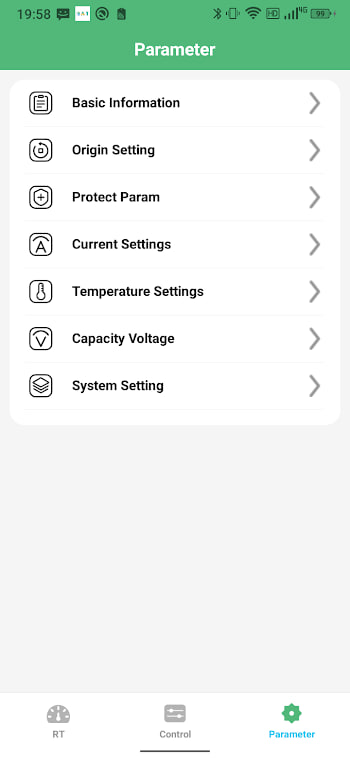
Check your current version
Before updating, find out what you are running. Open BAT-BMS, go to settings or the about screen, and look for the version number. If it reads anything below 1.0.9, an update is waiting. Knowing your current build also tells you whether a problem you are hitting was already fixed.
Why bother updating
Battery management apps are not glamorous, but the updates matter. Newer builds add support for newer module firmware, fix silent connection drops, and tighten the protection labels. If your app works but you hit an occasional glitch, an update is the cheapest fix you will ever try. The common problems guide lists several issues that updates resolve.
How to update safely
- Pair your battery and note that everything works, so you have a baseline.
- Download the latest XAPK from the APK page.
- Open it with your XAPK installer, just like the first install.
- Install over the top — do not uninstall first. Your paired devices and settings carry over.
- Open the app and confirm the version number changed.
After the update
Reconnect to your battery and check that the dashboard reads normally. Most updates are seamless, but it pays to confirm the numbers are alive and the cell count is still right. If something looks off, a re-pair usually sorts it.
Rolling back if a build misbehaves
Once in a while a new build does not play nicely with an older module. If that happens, you can roll back to a previous version by installing the older XAPK over the top — but we only mirror the current build. Keep a copy of any XAPK that works well for you, so you have a rollback ready. This is the one real downside of auto-updating blindly.
If your current build works perfectly with your module, save a copy of that XAPK somewhere safe. It is your insurance if a future update misbehaves.
There is no auto-update
BAT-BMS is sideloaded, so it will not update itself through the Play Store. That means updates are on your schedule, which is fine — just check back here now and then for the latest build. We label every release with its version and date so you can tell at a glance whether you are current.