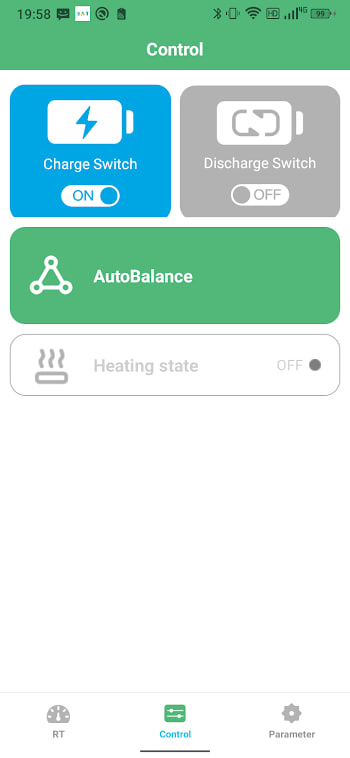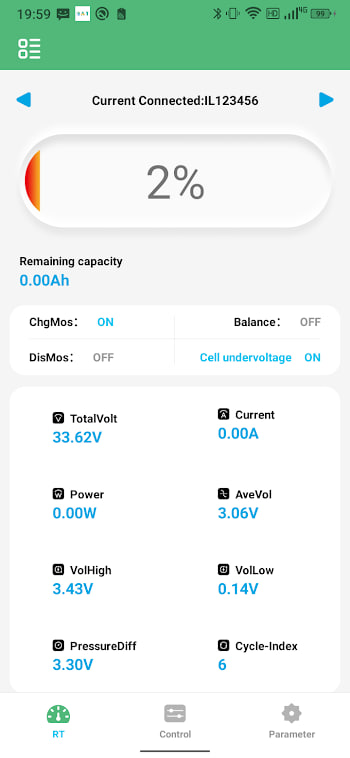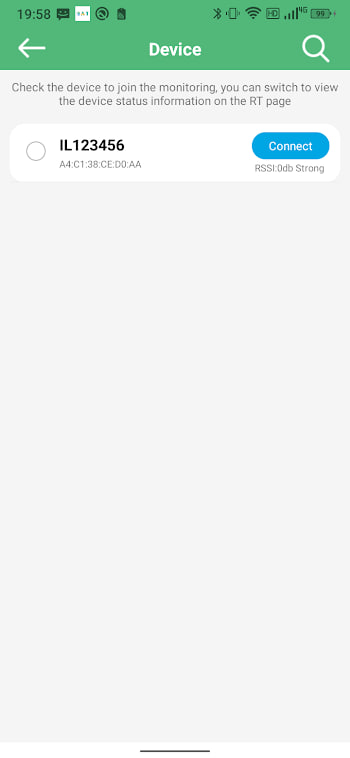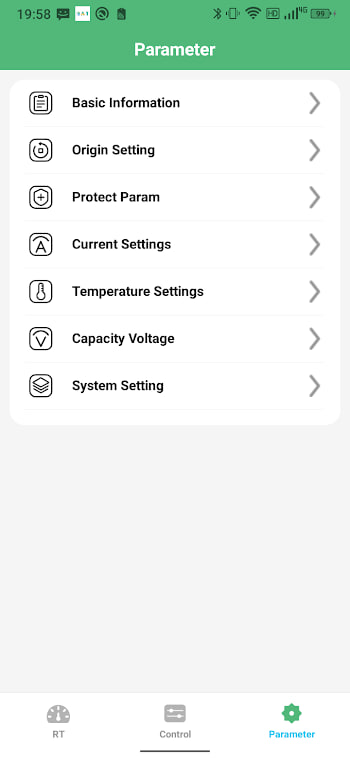
About the app
These are the questions that come up again and again, gathered in one place. If you only read one page on this site, this is a good one to pick. Each answer is short and straight, with a link to the deeper guide where it makes sense.
Download and install
The XAPK we point to is the genuine package com.bms.grenergy. Always confirm the package name during install.
Is the app free? Yes. It is a free XAPK that you open with a free XAPK installer from the Play Store.
Why is it an XAPK? To bundle split files for screen density and language into one smaller download. See the download guide.
Will it work on my phone? If it runs Android 5.1 or newer and has Bluetooth, yes.
Connecting
Why does it need Location? Android requires Location for Bluetooth scanning. Approximate is fine. See permissions.
Why will it not connect? Usually power, permissions, or another phone holding the link. See the checklist.
Does it need internet? Only to install. After that, it works fully offline over Bluetooth.
Reading the data
What is a healthy cell gap? A few millivolts at the extremes. Large drift is a warning. See cell voltage.
What temperature is safe? Between 0 and 45 degrees Celsius for most lithium cells. See temperature.
Why is a reading blank? The module may not support that field. See common problems.
Safety
Is it safe to use? Yes, as a read-mostly dashboard. The real risk is in your BMS settings, not the app. See the safety guide.
What do error codes mean? They are protective flags. Most clear when the condition passes. See error codes.
Can I change protection limits? On supported modules, yes — but carefully, one value at a time.
Updates
How do I update? Install the latest XAPK over the top. See the update guide.
Will it auto-update? No. It is sideloaded, so check back here for new builds.
Can I roll back? Yes, by installing an older XAPK over the top. Keep a known-good copy.