Who needs multi-pack monitoring
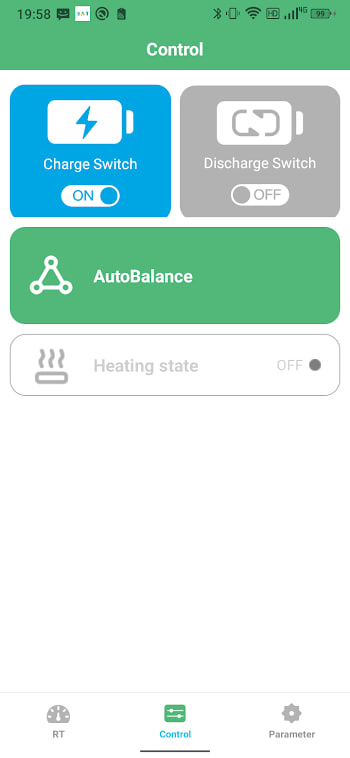
One battery is easy. But plenty of real setups run more: an e-rickshaw with two packs in parallel, a campervan with a house battery and a spare, a solar shed with a small bank. The good news is that BAT-BMS handles several batteries in one app — the developer's own listing highlights connecting multiple batteries and flipping between them with the left and right pages.
Adding a second battery
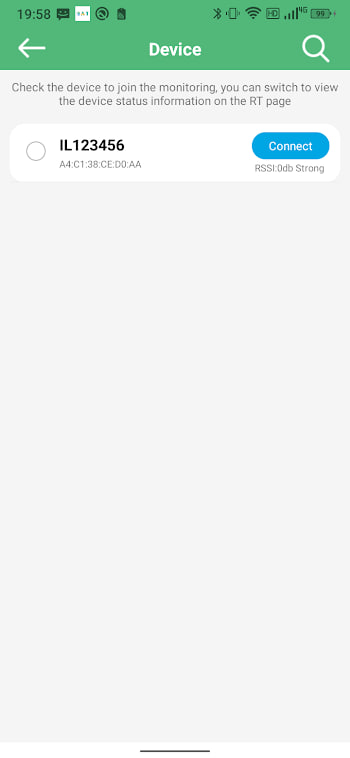
There is no special "multi mode" to enable. Scan as you normally would, and every compatible BMS in range shows up in the device list. Connect to the first pack, then go back to the scan screen and connect the second. Each pack you have connected to gets remembered, so next time the app lists them without a fresh scan.
One thing to keep in mind: Bluetooth Low Energy allows one phone connection per BMS at a time. If a pack refuses to connect, the usual culprit is another phone — or a forgotten tablet — already holding that connection.
Switching between packs
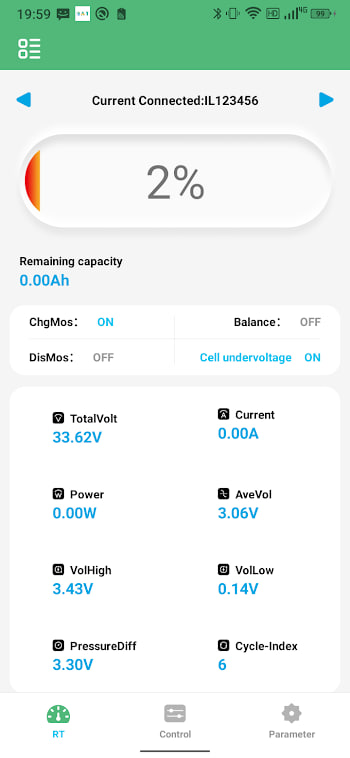
With more than one battery added, the dashboard becomes swipeable: flick left or right to move between packs, the same gesture as switching home screens on your phone. The page indicator shows which battery you are on. Readings on the visible page update live; background packs refresh when you swipe to them, so give a page a second to catch up before judging the numbers.
Naming packs properly
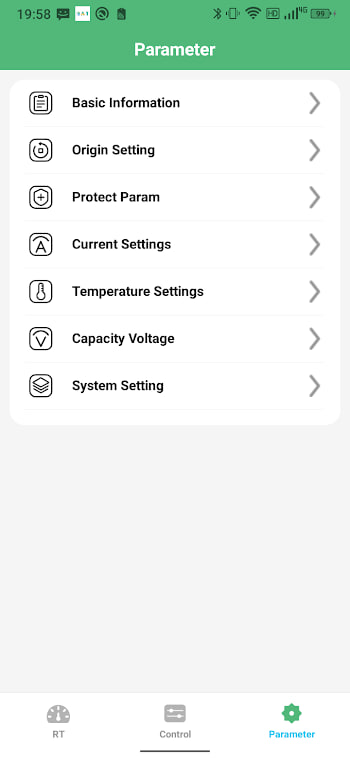
Two packs called BMS-2A6E and BMS-2A71 are a mix-up waiting to happen — especially when one of them is showing a fault and you are deciding which one to pull. Rename each battery in its settings screen to something physical: Left rack, Front box, Spare. Do it the day you add the pack, while you still remember which is which, and put a matching sticker on the case.
Reading parallel packs
Two packs wired in parallel should behave like twins. In practice they never match exactly, and the app is the best tool you have for judging whether the difference is harmless or a warning:
| Observation | Verdict |
|---|---|
| SOC within a few percent of each other | Normal |
| Voltage within ~0.1 V under the same load | Normal |
| One pack consistently carries far more current | Check cabling and connections |
| SOC gap keeps growing week after week | One pack is ageing faster — investigate |
A persistent imbalance usually traces back to unequal cable lengths or a corroded lug rather than the cells themselves. Fix the cheap thing first.
Limits worth knowing
The swipe interface is comfortable up to a handful of packs; beyond that, scrolling through pages gets tedious, and a dedicated bank monitor makes more sense. The app also has no combined view — it will not sum two parallel packs into one virtual battery, so you do the mental math yourself. And since each connection is live Bluetooth, keeping many packs connected at once drains your phone battery noticeably faster. Connect to what you are checking, then disconnect.